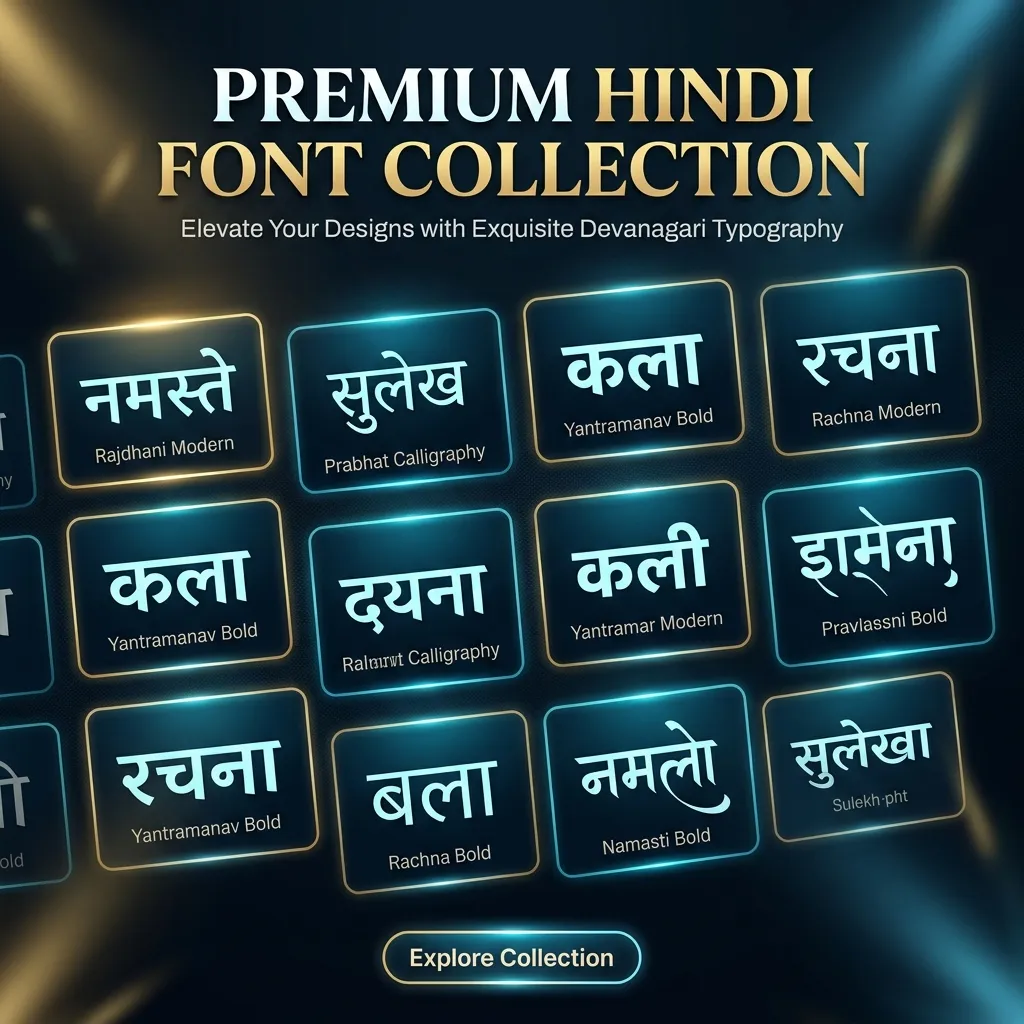
Welcome to Hindi Font Style — the internet's fastest free tool to convert plain text into beautiful, stylish Hindi fonts. Whether you want to write your name in a fancy Hindi calligraphy style, create a catchy Instagram bio, or design a YouTube thumbnail, our Hindi font style generator does it in one click. Just type your text, choose from 100+ styles, and download as PNG or TTF.
Stylish Hindi Fonts for Instagram, WhatsApp & CapCut
Tired of boring default fonts on your phone? Most social media apps don't allow you to change the Hindi font. With our tool, you can generate stylish Hindi font styles and download them as images or font files:
- Instagram Bios & Captions: Stand out with aesthetic Hindi calligraphy fonts.
- WhatsApp Status: Send daily quotes in beautiful Hindi typography.
- CapCut & PixelLab: Download the Transparent PNG to overlay on your videos and photos.
- YouTube Thumbnails: Grab attention with bold Hindi heading fonts.
How to Use This Hindi Font Style Generator Tool
- Type your text: Enter your name, quote, or any text in English or Hindi in the input box above. (If you type in English, it will auto-convert to Hindi!)
- Customize: Adjust the font size and pick your favorite text and background colors using the controls.
- Browse 100+ Styles: Scroll down to see your text rendered in every stylish and calligraphy Hindi font available on this page.
- Download: Click PNG or Transparent PNG to save your styled text as an image, or click TTF to download the font file to your PC or phone.
Explore Different Hindi Font Styles
Not all fonts are made for the same purpose! That's why we have categorized our 150+ Hindi fonts into specific styles so you can find exactly what you need:
- Calligraphy Hindi Fonts: Elegant, flowing scripts perfect for wedding cards, logos, and luxury branding.
- Bold & Decorative Fonts: Heavy, eye-catching typefaces for posters, banners, and YouTube thumbnails.
- Handwriting & Cursive Fonts: Realistic hand-drawn styles for personal notes, journals, and signatures.
- Cinema & Creative Fonts: Bollywood-inspired typography for film titles and creative edits.
- Festival Fonts: Greeting-card-ready styles for Diwali, Holi, and Navratri.
- Spiritual & Mantra Fonts: Sacred Devanagari typefaces for Har Har Mahadev, Om, and Sanskrit shlokas.
How to Use Hindi Font Styles in Canva, Photoshop & MS Word
Using these fonts in design software or documents requires the TTF file. Here is how to do it:
- For Photoshop & Canva: Click the TTF Download button on any font card. Install the font on your PC/Mac, and it will automatically appear in your Photoshop or Canva font list.
- For MS Word: Download the TTF file, install it on Windows, and open MS Word to select the font. For official documents, we recommend using Kruti Dev 010 or Mangal Unicode instead of stylish fonts.
- For PixelLab: Download the TTF file directly to your Android phone, import it into PixelLab, and type in your preferred style!
Related Tools & Converters
- Kruti Dev 010 Font Download – The standard font for SSC, CPCT, and government Hindi typing tests.
- Mangal Unicode Fonts – The universal font for web, MS Word, and mobile devices.
- AMS Font Converter – 28 popular calligraphy fonts in one live tool.
- Kruti Dev → Mangal Converter – Convert legacy typing text to Unicode in one click.
- Hindi Character Map – Full Devanagari Unicode reference guide.
Key Features
FAQs about Stylish Hindi Font Styles
Can I use these Hindi fonts on Instagram and WhatsApp?
Yes! Download the PNG or Transparent PNG from any font card and share it directly on Instagram or WhatsApp. The image keeps the exact font style intact.
How do I download Hindi font styles for free?
Every font preview card has a "TTF" download button. Click it to download the font file to your device for free. You can then install it on your PC or phone to use in MS Word, Photoshop, or PixelLab.
What is the difference between stylish Hindi fonts and Kruti Dev fonts?
Stylish Hindi fonts (like AMS Calligraphy) are used for designing, social media, and creative work. Kruti Dev is a legacy typing font used for government exams (SSC, CPCT) and printing. If you are preparing for a typing test, use Kruti Dev 010.