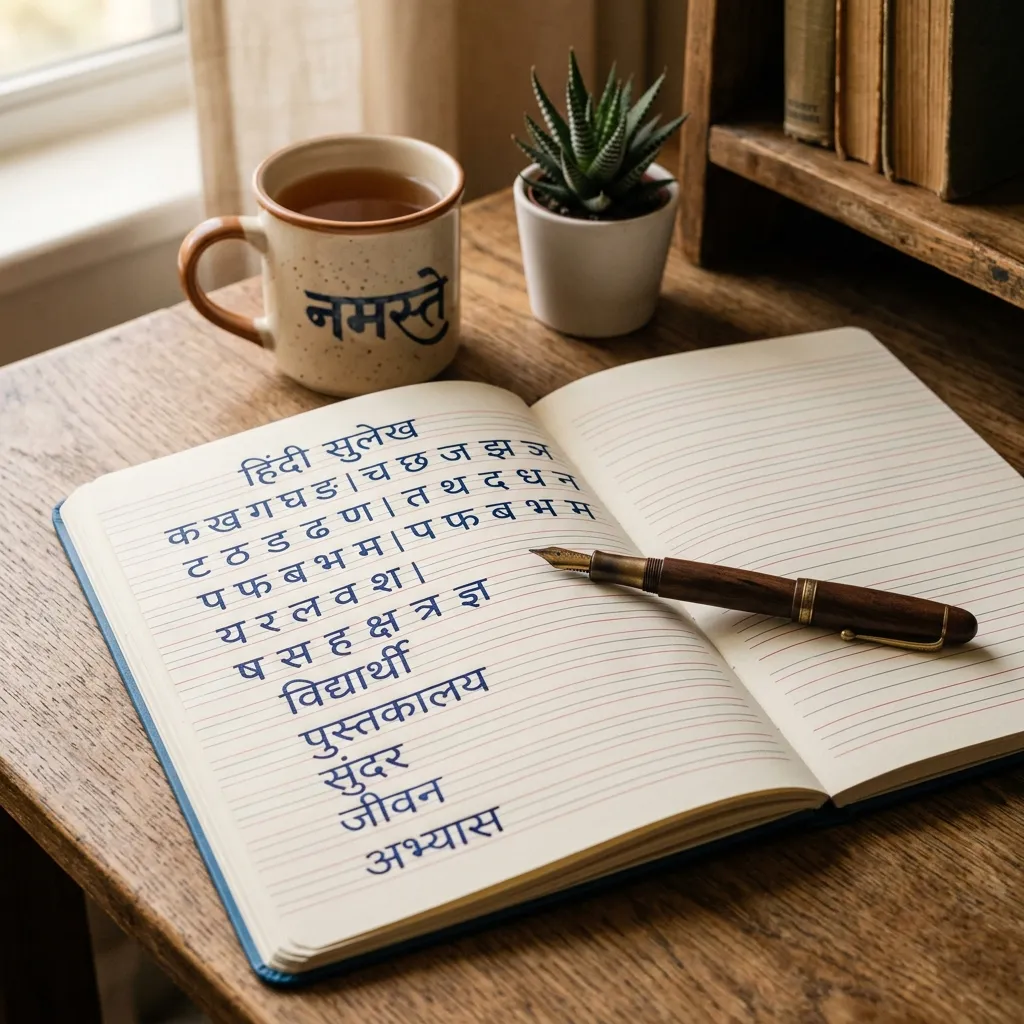
Nothing beats a handwritten note. Our Hindi Handwriting & Cursive Fonts bring the real pen-stroke feel to your screens. Designing a digital signature? Making journal graphics? Adding a casual touch to WhatsApp statuses? These handwritten Hindi fonts deliver.
Why Use Handwriting & Cursive Hindi Fonts?
Calligraphy is formal. Handwriting is personal. Here's why creators love these styles:
- Digital Signatures: Create a realistic Hindi signature for documents or email sign-offs.
- Aesthetic Social Media: Handwritten fonts feel intimate. Perfect for poetic Instagram stories and Pinterest pins.
- School & Journal Graphics: Designing a notebook cover? Handwritten fonts mimic a student's notebook style.
- Casual Branding: Cafes, bakeries, and personal blogs use cursive Hindi fonts to look approachable.
How to Create a Hindi Signature Using Handwriting Fonts
Want a cool Hindi signature? Here's how:
- Type Your Name: Enter your name above (e.g., "Amit"). It auto-converts to Hindi ("अमित").
- Choose a Cursive Font: Browse previews and pick a handwriting style that fits your personality.
- Adjust Size & Color: Use blue or black ink. Set font size to match a standard signature.
- Download Transparent PNG: Click "Transparent" to save without a background. Overlay it on documents!
Explore Related Hindi Font Styles
- Want formal artistic styles? See our Calligraphy Hindi Fonts.
- Designing for festivals? Check out Festival Hindi Fonts.
- Need a clean look? Try Modern Minimalist Fonts.
Key Features
FAQs about Handwriting & Cursive Hindi Fonts
Which is the best Hindi font for a digital signature?
Ams Pankaj and Ams Hastkala are the best picks. They look like they were written quickly with a pen. Natural and realistic.
How can I make my Hindi text look handwritten?
Type your text above. Scroll to the "Handwriting" section. Pick a cursive style. For extra authenticity, tilt the text slightly or adjust letter spacing in Photoshop after downloading the TTF.
Is cursive the same as calligraphy?
No. Calligraphy uses structured strokes with flat-tip pens. Cursive fonts mimic casual everyday writing. More natural, less formal.