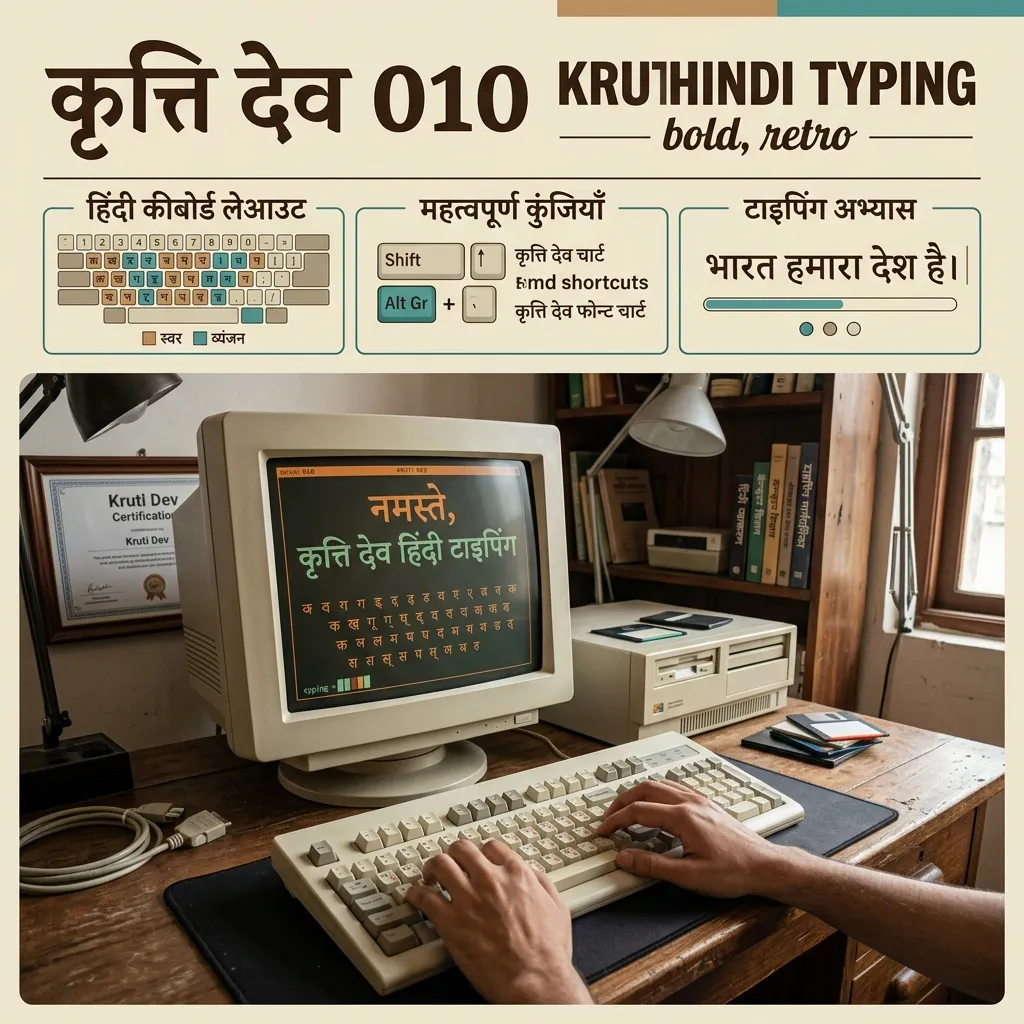
Preparing for a government typing test? Kruti Dev 010 is not just a font — it's a necessity. It's the most widely used Hindi typing font for SSC, CPCT, and state-level exams. Kruti Dev uses the traditional Remington keyboard layout. Preview your text live and download TTF files for free to practice!
Why is Kruti Dev 010 the Standard for Typing Tests?
Indian government departments and exam boards still use Kruti Dev. Here's why:
- SSC & CPCT Exams: Almost all government typing tests use Kruti Dev 010. Practice in stylish fonts and you'll fail.
- Government Offices: Official letters, notices, and legal documents in Hindi are typed in Kruti Dev across India.
- Printing Press: Local newspapers and printing houses use Kruti Dev for daily layouts.
How to Install Kruti Dev 010 on Windows & Practice Typing
You need the font and the right keyboard layout:
- Download Kruti Dev: Click "TTF" below the Kruti Dev 010 preview card above.
- Install on Windows: Double-click the downloaded file. Click "Install".
- Enable Hindi Keyboard: Go to Windows Settings > Time & Language > Language > Add "Hindi (India)". Select "Hindi Traditional" keyboard.
- Start Practicing: Open MS Word. Select Kruti Dev 010 from the font list. Start typing. Use our Kruti Dev to Mangal Converter to convert text to Unicode.
Explore Related Typing & Unicode Fonts
- Need the modern Unicode standard? See Mangal Unicode Fonts.
- Want to convert your text? Use the Kruti Dev to Mangal Converter.
- Looking for other legacy fonts? Check out DevLys & Raj Fonts.
Key Features
FAQs about Kruti Dev 010 Font
Is Kruti Dev 010 a Unicode font?
No. It's a legacy font with custom encoding based on the Remington keyboard layout. You need specific software or keyboard layouts to type in it. For web use, switch to Mangal (Unicode).
Which font is used for SSC typing tests?
Most SSC and CPCT tests use Kruti Dev 010 or Kruti Dev 016. Practice in these specific fonts to clear government exams.
How to type in Kruti Dev on a laptop?
Install the font. Add "Hindi Traditional" keyboard layout in Windows language settings. You can also use Google Input Tools with Remington layout.