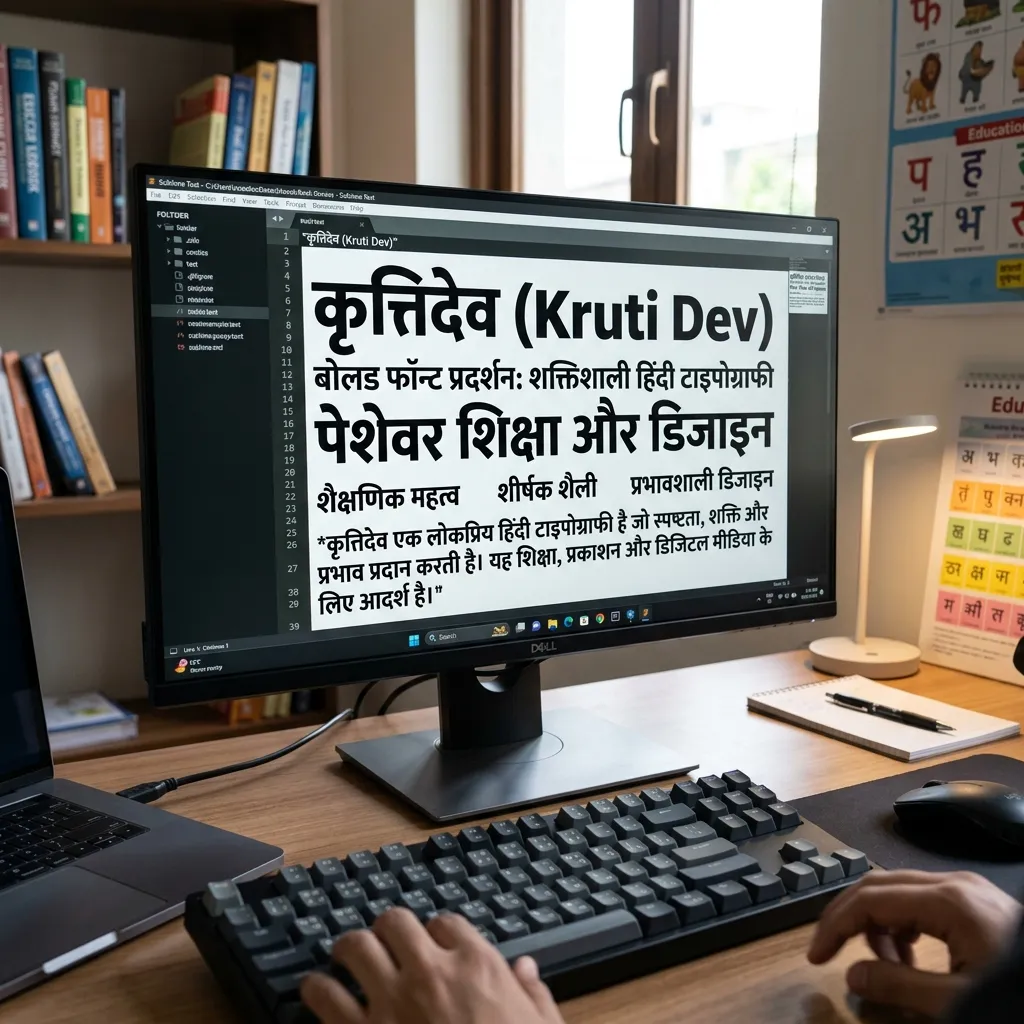
Regular Kruti Dev isn't always enough. Need your Hindi text to stand out in an official document? Kruti Dev Bold Font is the answer. Typing a legal notice? Making government file headings? These heavy variants (Kruti Dev 240, 200) give your text the weight it needs.
Why Use Bold Kruti Dev Fonts?
Kruti Dev 010 is for body text. Bold versions serve specific official needs:
- Official Headings: Government files, legal affidavits, and office memos need bold Hindi headings.
- Typing Test Emphasis: Bold fonts make specific words stand out in typing tests.
- Notice Boards & Banners: Printing shops and offices use bold Devanagari for high visibility.
How to Type in Bold Kruti Dev in MS Word
Slightly different from regular Kruti Dev. Here's how:
- Download the Bold Font: Click "TTF" below the font you want (e.g., Kruti Dev 240 Bold). Install on your PC.
- Select in MS Word: Open MS Word. Pick the bold font from the dropdown.
- Typing Tip: These are "Display" weight fonts. Use them for headings, not paragraph text.
- Alternative: Type in regular Kruti Dev 010, select text, press Ctrl + B. But a dedicated bold TTF gives a thicker, authentic look.
Explore Related Typing Fonts
- Need the standard typing font? Download Kruti Dev 010.
- Want modern web fonts? See Mangal Unicode Fonts.
- Need to convert text? Use our Kruti Dev to Mangal Converter.
Key Features
FAQs about Kruti Dev Bold Fonts
Which is the heaviest Kruti Dev font?
Kruti Dev 240 is the thickest. Widely used for official headings and notice boards where text needs maximum visibility.
Can I use Ctrl+B for Kruti Dev instead of downloading bold fonts?
Yes, MS Word fakes bold with Ctrl+B on Kruti Dev 010. But for authentic heavy typography (especially for printing), a dedicated bold TTF file is better.
Is Kruti Dev 240 a Unicode font?
No. Like Kruti Dev 010, it's a legacy Remington font. It needs a specific keyboard layout and doesn't work on modern web browsers without conversion.