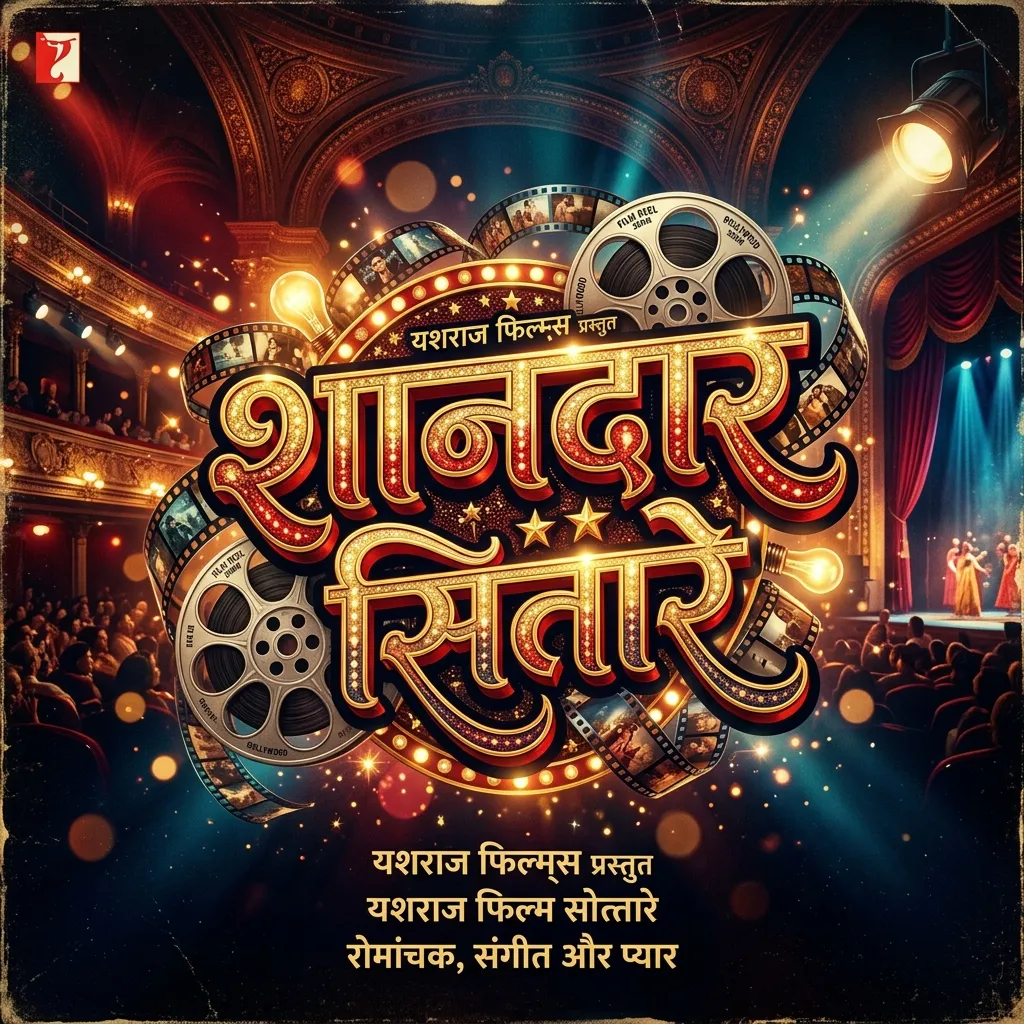
Bollywood has its own typography vibe. Big, bold, dramatic. Our Cinema & Creative Hindi Fonts capture that exact energy. Making a Bollywood movie poster? Editing a CapCut reel? Designing a film title? These movie-style Hindi fonts bring the silver screen look to your designs.
Why Use Cinema & Creative Hindi Fonts?
Cinema fonts are about drama and emotion. Creators love them for a reason:
- Bollywood Poster Design: Recreate that iconic Hindi film poster look. Thick, flowing, artistic typography that screams drama.
- YouTube & Instagram Reels: Use cinematic Hindi fonts in CapCut and Kinemaster for dramatic intros, dialogue overlays, and storytelling videos.
- Film Title Replicas: Making a parody poster or fan edit? These fonts mimic the exact vibe of movie title cards.
- Event & Party Flyers: Hosting a Bollywood-themed party? Design eye-catching invitations with these dramatic fonts.
How to Edit Cinema Hindi Fonts in CapCut & Kinemaster
Here's how to use these fonts in video editing apps:
- Download the TTF: Save your favorite Bollywood-style font from the list above.
- Import in CapCut: Open CapCut. Go to Text > Font > "Import Font". Select the downloaded TTF file.
- Styling Tip: Add a "Glow" or "Neon" effect in CapCut. The font pops against dark, moody video backgrounds.
- Transparent PNG for Kinemaster: Type your text in our generator above. Set a dark background. Download the Transparent PNG and layer it over your video.
Explore More Hindi Font Styles
- Need heavy impact for banners? See Bold & Decorative Hindi Fonts.
- Designing for festivals? Check out Festival Hindi Fonts.
- Want elegant titles? Try Elegant & Sharp Hindi Fonts.
Key Features
FAQs about Cinema & Creative Hindi Fonts
Which is the best Hindi font for Bollywood poster design?
Ams Cinema and Ams Darshana nail the Bollywood look. Thick, dramatic, and artistic. Perfect for film posters and title cards.
How do I add Hindi cinema fonts to CapCut?
Download the TTF from this page. Open CapCut, add text, tap the font icon, select "Import Font", and pick the file. Done. You can now type in Hindi with the cinematic style.
What makes a font look "cinematic"?
High contrast between thick and thin strokes. Dramatic loops. A sense of motion. Cinematic fonts look like they belong on a movie screen, not a Word document.