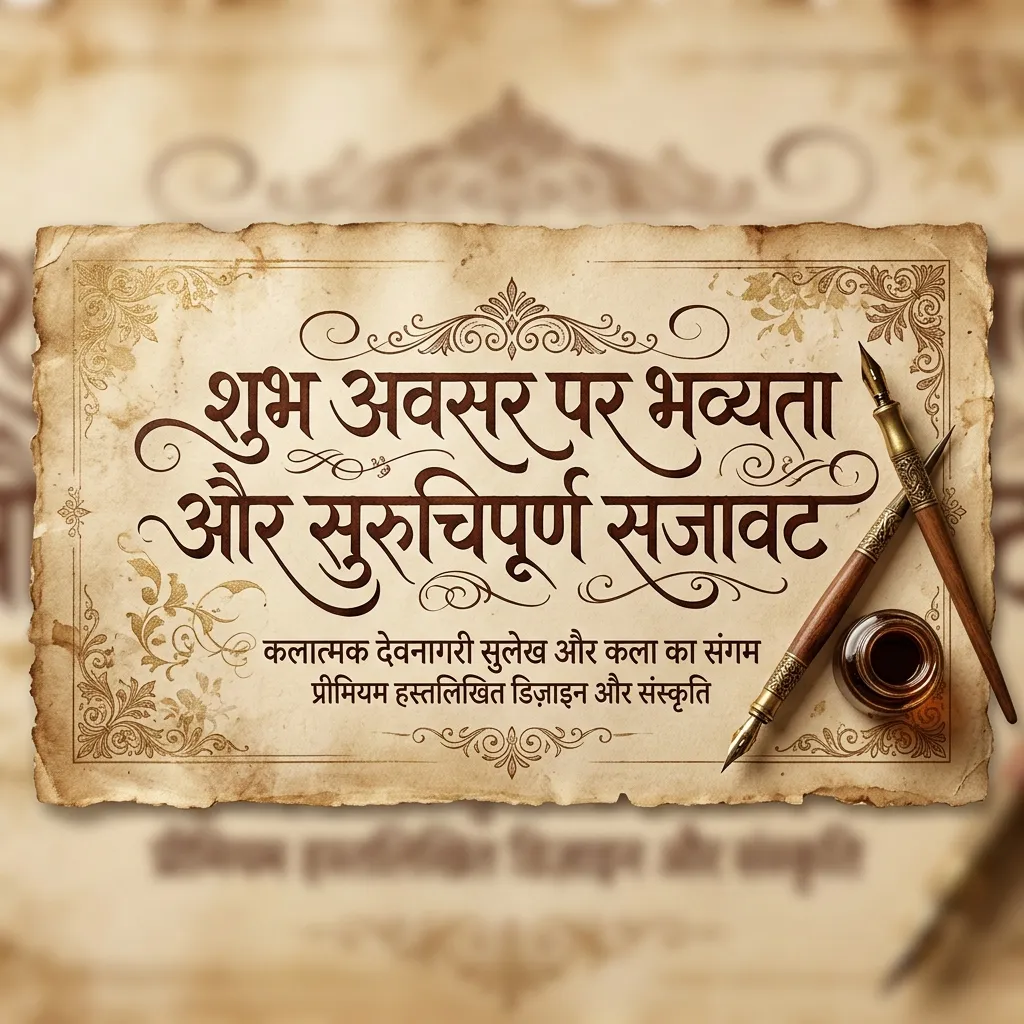
Hindi calligraphy is pure art. The sweeping curves of Devanagari look stunning when done right. Our collection of Hindi Calligraphy Fonts brings you the best brush, royal, and artistic styles. Designing a wedding card? Making a brand logo? Creating a digital signature? These fonts add instant elegance.
Why Use Hindi Calligraphy Fonts?
Calligraphy means "beautiful writing." Designers use these fonts for a reason:
- Logos & Branding: A calligraphy Hindi font makes brand names look premium. Perfect for jewelry brands, sweet shops, and boutique hotels.
- Signature Designs: Want a stylish Hindi signature? Calligraphy fonts give that hand-drawn, personal look.
- Wedding Invitations: Calligraphy adds royal charm to modern Lagan Patrikas. Your guests will notice.
- Social Media Art: Create aesthetic quote posts and poetic Instagram reels with flowing brush-style Hindi text.
How to Make a Logo with Hindi Calligraphy Fonts
Quick logo guide using calligraphy fonts:
- Download the TTF: Pick a royal or brush calligraphy font from above. Download it.
- Type Your Brand Name: Open Illustrator, CorelDRAW, or Photoshop. Type your brand name in Hindi.
- Add a Stroke or Outline: Add a thin outline or contrasting background to make the logo pop.
- Export as PNG: Hide the background layer. Export as Transparent PNG using our tool, or use "Save for Web" in your software.
Explore Related Hindi Font Styles
- Want casual hand-drawn styles? See Handwriting Hindi Fonts.
- Designing for a festival? Check out Festival Hindi Fonts.
- Need to convert text? Use our AMS Font Converter.
Key Features
FAQs about Hindi Calligraphy Fonts
Which is the best Hindi calligraphy font for a logo?
Ams Calligraphy 1 to Ams Calligraphy 7 are great for logos. They have thick brush strokes that look hand-painted but stay readable.
How can I write my name in Hindi calligraphy?
Type your name in English (e.g., "Rahul") in the input box above. It converts to Hindi automatically. You'll see your name in multiple calligraphy styles. Download the Transparent PNG!
Is calligraphy font different from handwriting font?
Yes. Calligraphy is structured and formal — like writing with a flat-edged pen. Handwriting fonts are casual and mimic everyday personal writing.