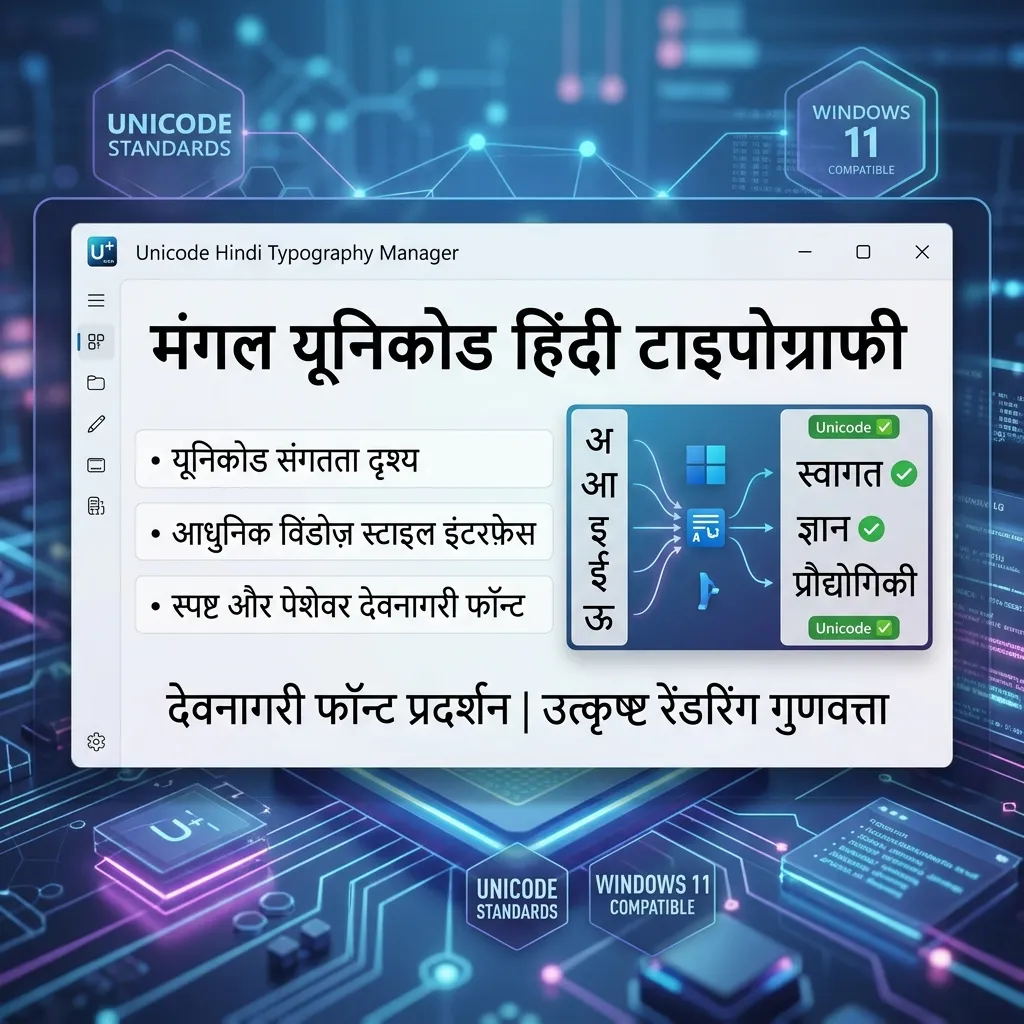
Want your Hindi text to look the same on every device? You need Unicode fonts. Mangal is the official Unicode font for Hindi. Pre-installed on most Windows PCs. Alongside it, Kokila and Aparajita offer serif and italic variations. Download these Hindi Unicode fonts for free.
Why Use Mangal & Unicode Hindi Fonts?
Legacy fonts like Kruti Dev are outdated for the digital world. Unicode is the standard now:
- Web & Email: Kruti Dev text looks like gibberish online. Mangal works on websites, Gmail, and social media.
- Mobile Compatibility: Unicode fonts work by default on Android and iOS. No installation needed to read them.
- Official Work: Indian Government has shifted to Unicode (Mangal) for all digital documentation.
- SEO: Google reads and indexes Unicode Hindi text. It ignores legacy font images.
How to Type in Mangal Unicode on Windows
Mangal uses the "Inscript" or "Hindi" keyboard layout. Different from Remington:
- Enable Hindi: Go to Windows Settings > Time & Language > Add "Hindi (India)".
- Select Keyboard: Choose the "Hindi" (Inscript) keyboard layout.
- Select Mangal: Open MS Word. Select "Mangal" from the font list. Start typing.
- Convert Old Text: Have Kruti Dev files? Use our Kruti Dev to Mangal Converter to convert to Unicode.
Explore Related Hindi Font Styles
- Need the classic typing font? Download Kruti Dev 010.
- Looking for PC-specific fonts? See Windows PC Hindi Fonts.
- Want stylish social media fonts? Try our Stylish Hindi Font Generator.
Key Features
FAQs about Mangal & Unicode Hindi Fonts
What is the difference between Mangal and Kruti Dev?
Mangal is Unicode — works everywhere (web, mobile, email). Kruti Dev is Legacy — only works on PCs with the font installed. For modern use, pick Mangal.
Is Mangal font free to download?
Yes! Mangal comes pre-installed with Windows. If it's missing, download the TTF from this page and install it manually. Takes 10 seconds.
Which Hindi font is best for MS Word?
Mangal is the best Unicode choice for general typing. Want a serif look? Use Kokila. Want italic elegance? Use Aparajita.