simple hindi fontmodern devanagariminimalist fontclean hindi
fontui fonts
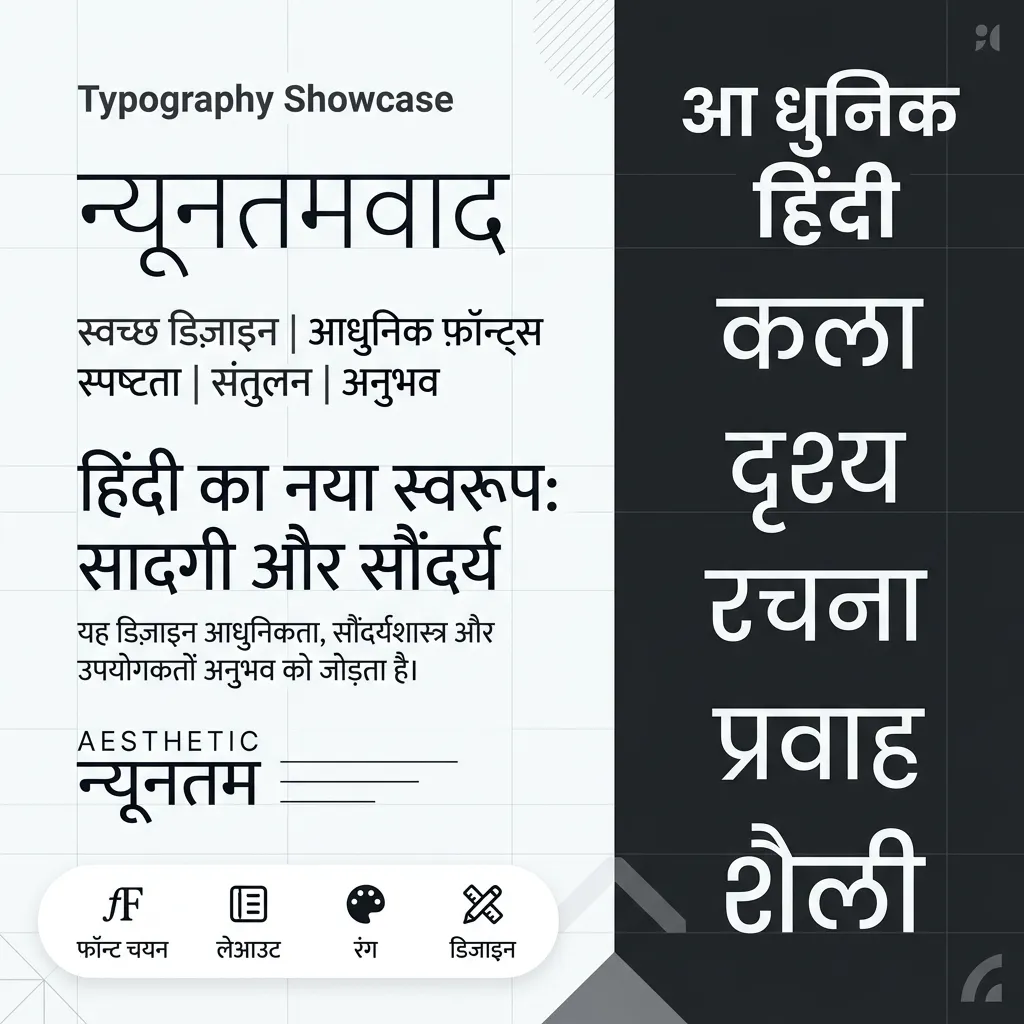
Less is more. If you want a simple Hindi font that's clean, readable, and modern, you're in the right place. Our Modern & Minimalist Hindi Fonts collection offers sleek Devanagari styles for UI design, presentations, and minimalist social media graphics.
Why Choose a Minimalist Hindi Font?
Bold fonts grab attention. Clean Hindi fonts keep readers focused on the message:
- UI/UX Design: Building a Hindi app or website? You need a clean sans-serif Devanagari font that looks crisp on all screens.
- Professional Presentations: Make corporate slides look modern and uncluttered with clean Hindi typography.
- Minimalist Social Media: Aesthetic Instagram posts and Pinterest graphics use sleek fonts for a premium feel.
- Blog & Body Text: Minimalist fonts reduce eye strain during long-form Hindi reading.
How to Use Modern Hindi Fonts in Canva & Figma
Digital designers love minimalist fonts. Here's how to use them:
- Download & Install: Click "TTF" below your chosen modern font. Install on your system.
- In Figma: The installed font appears automatically in the desktop app. Perfect for Hindi app interfaces.
- In Canva: Upload the TTF via "Brand Kit" (Pro users) for social media templates.
- Pro Tip: Pair a minimalist Hindi font with Inter or Roboto for stunning bilingual designs.
Explore More Hindi Font Styles
- Need heavier fonts for titles? See our Bold & Decorative Hindi Fonts.
- Want artistic flair? Try Calligraphy Hindi Fonts.
- For official work, download Mangal Unicode.
Key Features
Clean Design
Minimal, contemporary Devanagari typefaces.
UI Ready
Perfect for app interfaces and web design.
Blog Friendly
Great for blog headers and body text.
PNG Export
Download clean text images for designs.
TTF Download
Install modern fonts for your projects.
FAQs about Simple & Modern Hindi Fonts
Which is the best simple Hindi font for reading?
Ams Anaram and Ams Ankur are top picks. Clean lines, balanced spacing. Best simple Hindi fonts for body text.
Can I use these minimalist fonts for app design?
Yes! Minimalist Devanagari fonts work great in mobile and web app interfaces. They stay legible even at small sizes.
What makes a font "minimalist"?
No serifs. No complex loops. Clean geometry, uniform stroke width, high readability. That's a minimalist Hindi font.