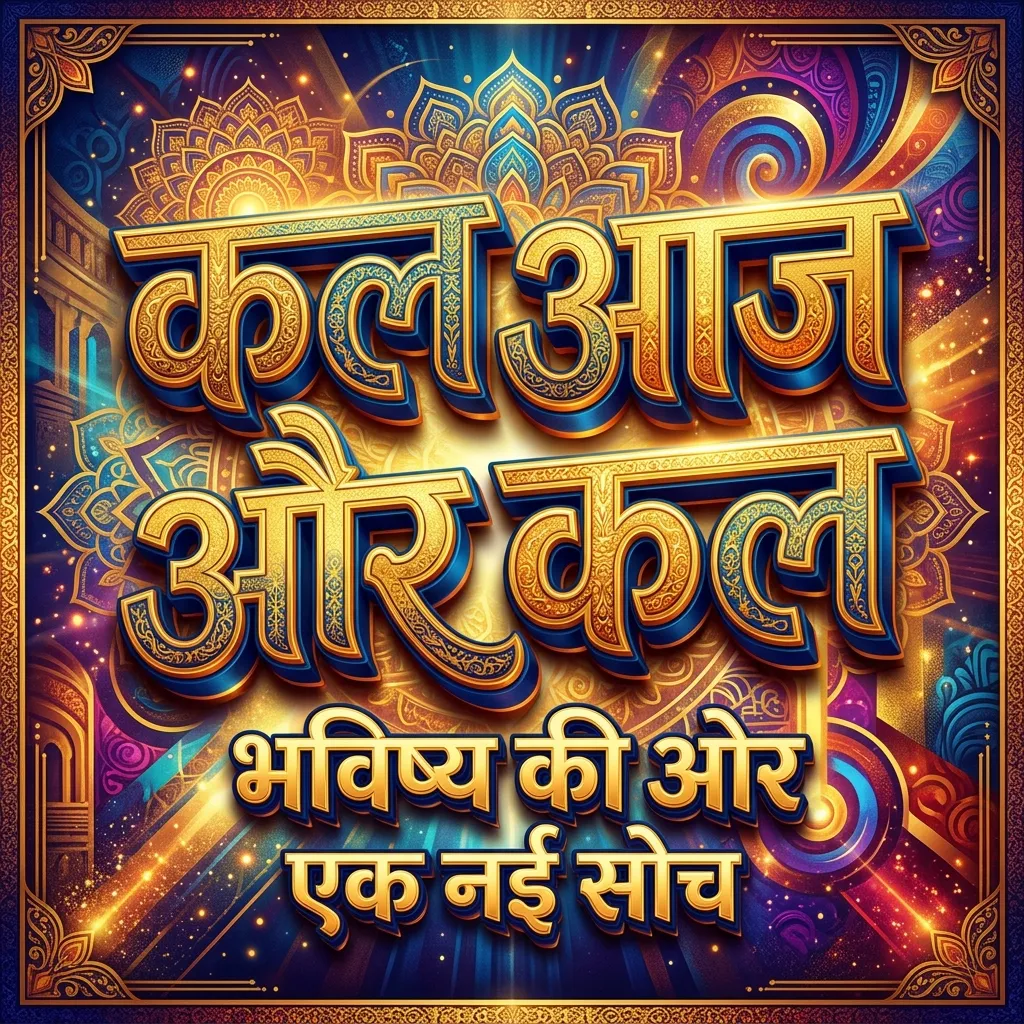
Regular fonts are boring. If you want text that grabs eyeballs instantly, you need Bold & Decorative Hindi Fonts. These are the thickest, heaviest Devanagari typefaces you can download for free. Designing a political banner? A movie poster? A YouTube thumbnail? These bold Hindi fonts make your headings impossible to miss.
Why Use Bold & Decorative Hindi Fonts?
Stylish fonts look nice on Instagram. But for posters and banners? You need heavy Hindi fonts that people can read from across the street.
- Posters & Banners: Bold Devanagari fonts stay readable even from 10 feet away. Use them for rally banners, shop hoardings, and event posters.
- YouTube Thumbnails: Thick Hindi fonts pop on small mobile screens. Your video title stands out in a crowded feed.
- Magazine Headings: Heavy heading fonts give your articles a strong, punchy look.
- Logo Design: Indian brands love bold Hindi typography. It creates logos people actually remember.
How to Use Bold Hindi Fonts in Photoshop & Canva
Three steps. That's all it takes.
- Download the TTF: Click the "TTF" button below any font card on this page.
- Install on Your Device: Double-click the downloaded file and hit "Install". Works on Windows and Mac.
- Use in Photoshop: Open Photoshop, pick the Text tool, and select the bold font from your font list.
- Use in Canva: Canva Pro users can upload TTF files via "Brand Kit" > "Uploaded Fonts". Free users can download the Transparent PNG from our tool instead.
Explore More Hindi Font Styles
Bold fonts work for headings. But you might need other styles too:
- Want artistic flowing text? Try our Calligraphy Hindi Fonts.
- Prefer a clean, modern vibe? Check out Modern Minimalist Hindi Fonts.
- Typing government documents? Download Kruti Dev 010.
Key Features
FAQs about Bold & Decorative Hindi Fonts
Which is the best bold Hindi font for YouTube thumbnails?
Ams Jambo and Ams Hanuman are top picks. They're thick enough to read on small mobile screens. That's exactly what you need for YouTube.
Can I use these decorative Hindi fonts for printing banners?
Yes! Download the TTF, install it on your PC, and use CorelDRAW, Photoshop, or MS Word. Print as many banners as you want. Quality stays sharp at any size.
Are these bold Hindi fonts free to download?
100% free. Every font on this page is free for personal and commercial use. No sign-up, no hidden charges.