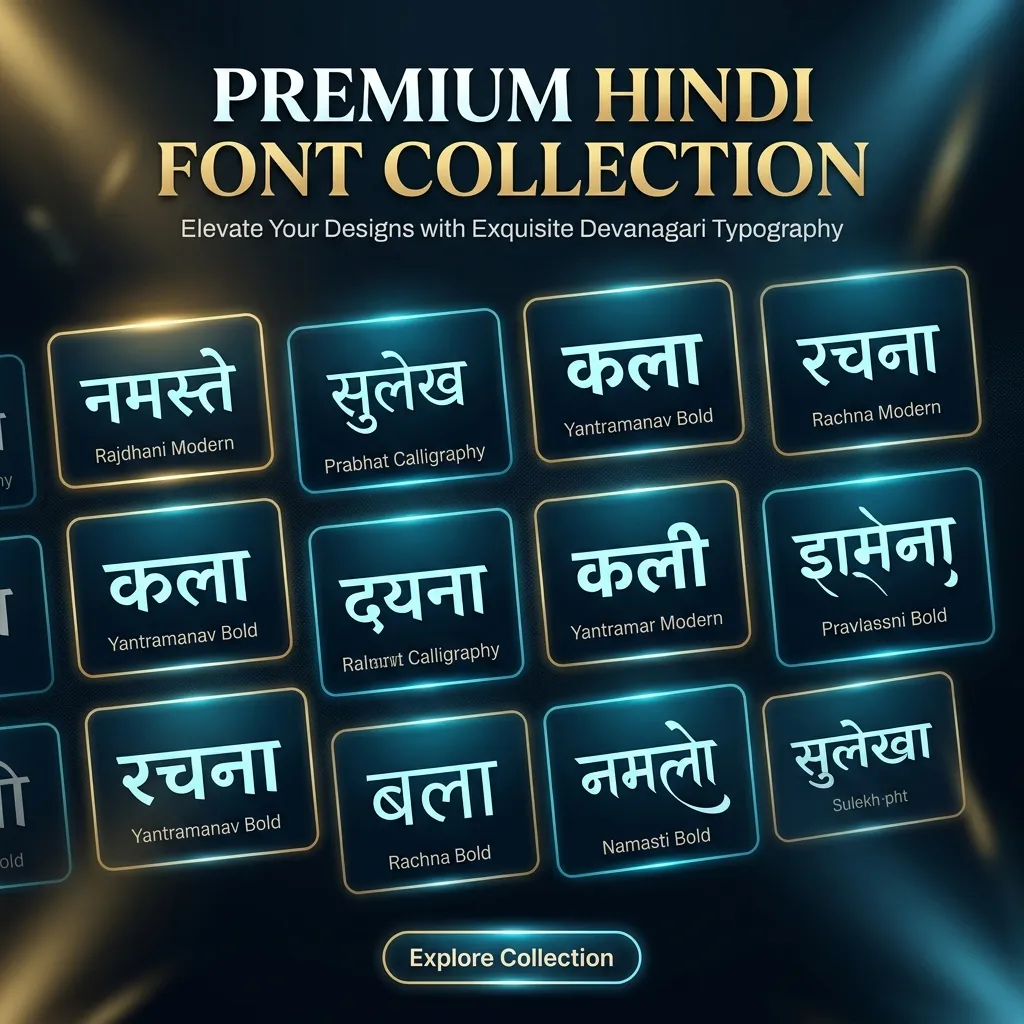
Want to see your name or text rendered in 28 stunning Hindi calligraphy styles at once? Our AMS Font Converter is the ultimate tool for designers and typographers. Unlike our regular generator pages, this converter is a curated collection of the 28 most popular AMS calligraphy fonts. Simply type your text, and instantly preview it across every premium AMS style—perfect for choosing the exact right font for your logo, wedding card, or social media post.
Why Use the AMS Font Converter?
AMS fonts are the gold standard for Hindi calligraphy, but they use a special encoding (AMS Roman) that normal keyboards can't type directly. Our AMS font converter solves this instantly:
- Side-by-Side Comparison: Instead of downloading 28 separate fonts, type once and see all 28 calligraphy styles side-by-side.
- Instant AMS Conversion: We automatically convert your Hindi or English text into the AMS Roman format, so you don't need to learn a special keyboard.
- Designers' Favorite: This collection features the most popular AMS fonts requested by graphic designers for luxury branding and decorative text.
How to Use the AMS Font Converter
Using this converter is as easy as typing:
- Type Your Text: Enter your text in English or Hindi in the input box above.
- Auto-Conversion: The tool automatically converts your text into the AMS encoding and displays it in 28 styles.
- Download: Click PNG / Transparent PNG to save the beautiful previews as images, or download the TTF file.
What are AMS Fonts?
AMS (Akshar Media Solutions) fonts are a unique category of Hindi typography. Unlike Unicode (Mangal) or Legacy (Kruti Dev), AMS fonts use a special keyboard layout called AMS Roman. They are designed specifically for artistic and calligraphic purposes, making them the top choice for decorative Hindi text.
Because they use a custom encoding, you cannot type in them using a standard Hindi keyboard. That's why this AMS font converter exists—it bridges the gap, letting you type normally and instantly see the beautiful AMS calligraphy output.
Explore More Hindi Font Styles
- Need all calligraphy styles? See our Calligraphy Hindi Fonts.
- Looking for festival fonts? Check out Festival Hindi Fonts.
- Need to convert legacy text? Use the Kruti Dev to Mangal Converter.
Key Features
FAQs about AMS Font Converter
Can I type in Hindi (Unicode) to convert to AMS?
Yes! Our converter is smart enough to accept both standard English characters and Hindi (Mangal Unicode) text. It will automatically map your input to the correct AMS Roman encoding so the calligraphy renders perfectly.
Why does AMS text look like English gibberish in other apps?
Because AMS fonts use a custom encoding (AMS Roman), the underlying text is mapped to English keyboard keys. If you use the text in a standard document without applying the specific AMS font, it will show the English mapping instead of the Hindi calligraphy. To fix this, make sure the AMS font is installed and selected in your software. For social media, use the PNG or Transparent PNG download instead.
Can I use AMS fonts on my Android or iOS phone?
Directly typing in AMS fonts on mobile devices is not supported because phones use Unicode. However, you can use our converter to generate the text, download it as a PNG or Transparent PNG, and use that image in your mobile designs, WhatsApp statuses, or social media posts.
Are these AMS fonts free for commercial use?
The previews and PNG downloads from our tool are free to use. However, the AMS font files (TTF) themselves are created by Akshar Media Solutions. If you plan to use them for commercial client work or branding, please check the original AMS license or purchase a commercial license from the creators.
What is the difference between AMS and Kruti Dev?
Kruti Dev is a legacy typing font primarily used for official typing exams and standard day-to-day Hindi documentation. AMS fonts, on the other hand, are calligraphy and decorative fonts designed for artistic, high-end design work like logos, wedding cards, and posters. They use completely different keyboard encodings.
How do I download the AMS TTF font files?
Next to each font preview in the converter, you will find a download option. Click it to save the TTF file to your device. To install, simply double-click the downloaded file on Windows or Mac and click "Install." It will then be available in MS Word, Photoshop, and other design software.
Create Stunning Hindi Calligraphy Now
Stop wasting time downloading and installing fonts one by one. Preview all 28 premium AMS calligraphy styles instantly and download your favorites as images or TTF files. 100% free, no signup required.
↑ Go to AMS Converter Tool